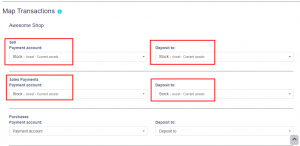
To automatically map transactions follow the steps in Accounting Module > Settings.
In the map transaction select the payment account and the corresponding deposit account for sell, sell payment, purchase, and purchase payment.
Whenever a transaction is done, it will be automatically mapped to the selected account.
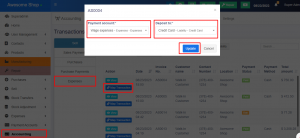
Expenses can also be mapped with the accounts, to achieve it follow the steps below
Step 1: Go to Accounting Module > Transactions > Expenses.
Step 2: Click on the ‘Map Transactions’ button.
Step 3: Select the ‘Payment Account’ and ‘Deposit to Account’.
Step 4: Save the transaction.